Corporate chat
The corporate chat is the company's internal communication channel.

How to open the chat?
- When signing in to WorkZeal, choose the square with the Chat microservice in the "What to open" window.
- Or you can open the chat from any section or microservice of WorkZeal

What are the features?
- Have a conversation with colleagues
- Send notifications about important events with a client
- System notifications (automatic) when a client, task, or deal is handed over from one responsible person to another
- File attachments
Automatic notifications
Automatic messages in the internal chat notify an employee when they have been assigned as the responsible person or curator for a company, as the responsible person for a task, deal, and so on.
From such messages, the user can immediately open the card of the task or deal, or of whatever entity they were assigned. To do this, just click Task/deal details, and so on.
Discussion about a client, task, deal, and so on
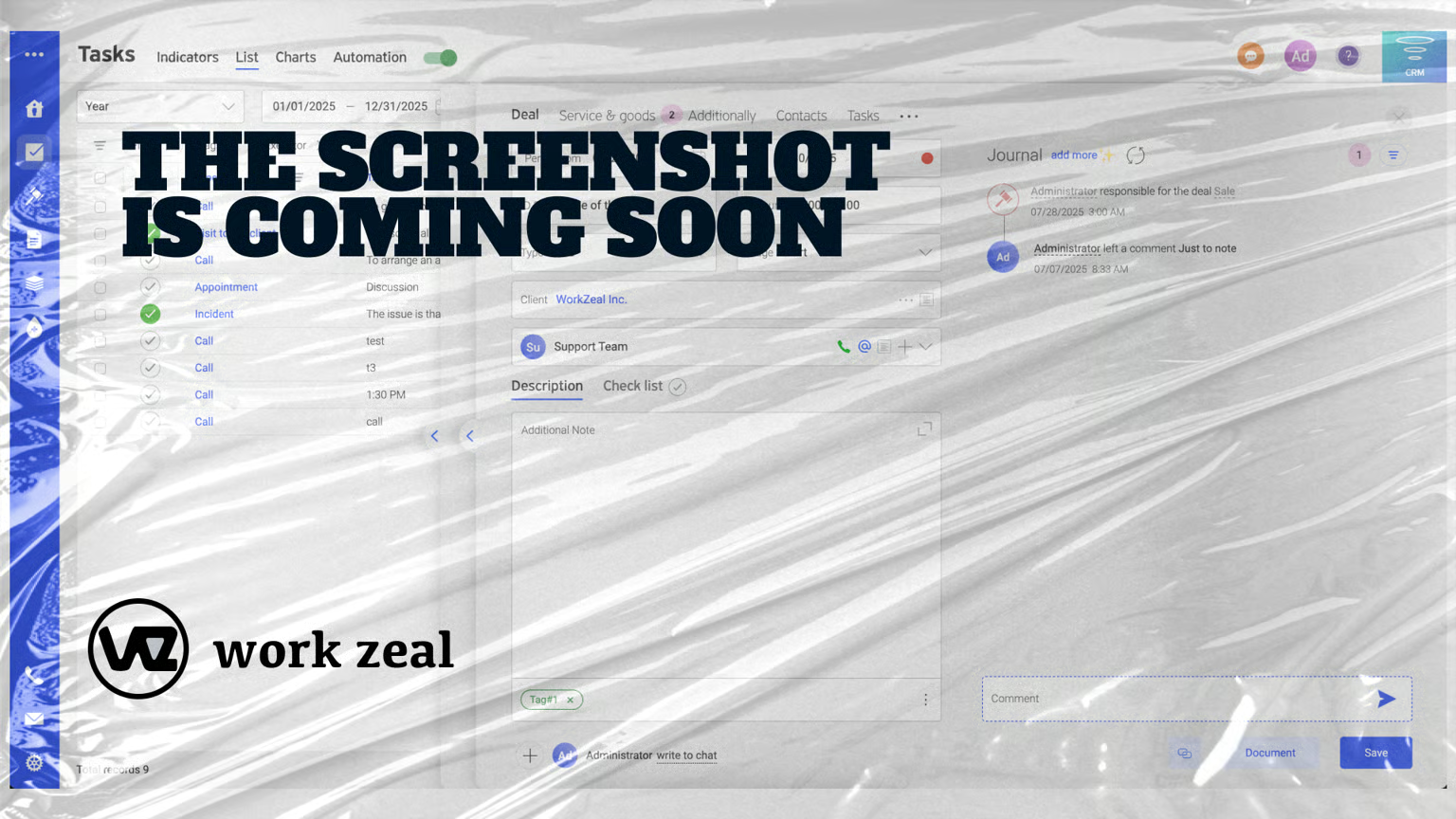
You can send a colleague a message in the internal chat about a specific client, deal, and so on. To do this, click Write to chat in the card.
The user will receive a message with a link to the card
Add recipients
To send such a message to several recipients, click the plus and choose the users from the list.
Copy to email
For an additional notification by email, check the Copy to email box, and the user will receive an email about the new message.
Messenger
The chat inside the system can be used for correspondence within the team: sending and receiving messages and sharing files between users.